Skip to content

The best monitor arms for 2026

Monitor on an arm
Photo : Josh Sorenson, Unsplash

Top-rated monitor arms on Amazon.com

The 5 highest scores among the 6 monitor arms we cover that have a checked Amazon.com listing. Scores are out of ten and only compare models inside this category.

#ModelOur scorePriceBuy
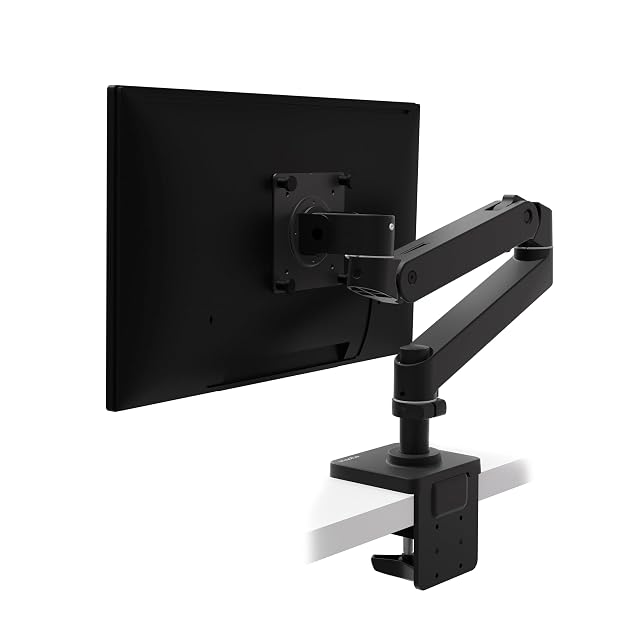
1Ergotron LX Pro monitor arm, Constant Force, up to 10 kgBest for: A heavy screen up to 10 kg (22 lb), repositioned through the day, on a desk no thicker than 60 mm (2.36 in). 8.6/10≈ $199Check price on Amazon: Ergotron LX Pro monitor arm, Constant Force, up to 10 kg
2Acer AMS001 gas-spring monitor arm for 17–34 in screensBest for: A 27 to 34 in screen up to 9 kg (19.8 lb) on a budget, on a desk where a grommet hole is easier than a clamp. 7.8/10≈ $46Check price on Amazon: Acer AMS001 gas-spring monitor arm for 17–34 in screens
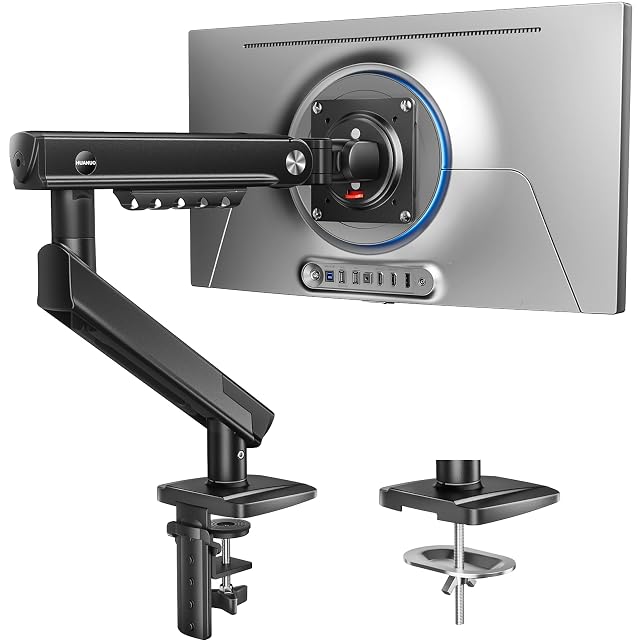
3HUANUO TitanLift heavy duty ultrawide monitor armBest for: A 34–49 in ultrawide or a heavy 32 in screen 7.7/10≈ $113Check price on Amazon: HUANUO TitanLift heavy duty ultrawide monitor arm
4HUANUO FlowLift Pro mechanical-spring monitor arm, no gasBest for: A screen up to 32 in and 9 kg (19.8 lb) on a thick desk, for someone who wants a spring that does not lose force over time. 7.4/10≈ $50Check price on Amazon: HUANUO FlowLift Pro mechanical-spring monitor arm, no gas
5VIVO aluminum ultrawide monitor tension arm, 49 inBest for: A heavy ultrawide on a desk up to 3.2 in thick 7.4/10≈ $80Check price on Amazon: VIVO aluminum ultrawide monitor tension arm, 49 in

Prices are indicative and were read on Amazon.com; the button shows the current one. If we earn a commission, it does not change the order.

An arm holds a screen where you put it only if its spring is rated for that screen’s weight and the clamp fits your desk. The Ergotron LX Pro takes the most, 10 kg (22 lb), with a 10-year warranty — but its clamp stops at 60 mm. The HUANUO is the only mechanical spring, tested to 50,000 cycles, and fits desks up to 90 mm. The Acer has a gas spring tested to 20,000 cycles, clamp and grommet, at the lowest US price, about $46. The Invision publishes its weight range and little else. All four take VESA 75 and 100 mm.

The models we recommend

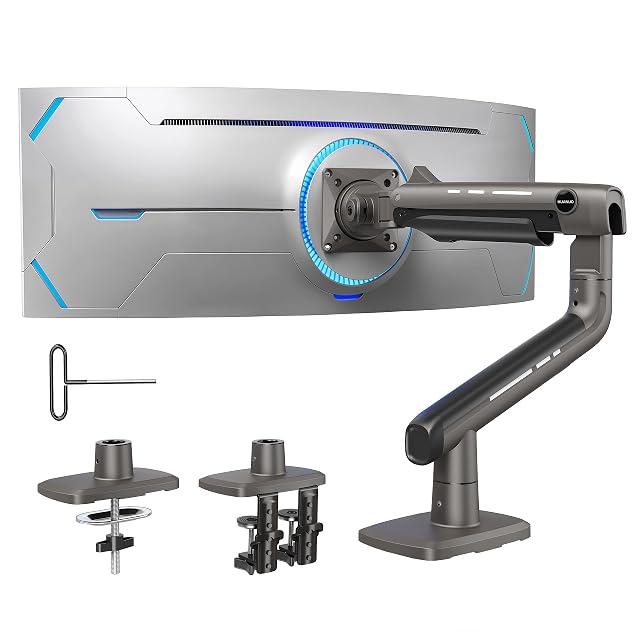
  1. HUANUO FlowLift Pro mechanical-spring monitor arm, no gas

    Mechanical steel spring · 2–9 kg (4.4–19.8 lb) · 13–32" · fits 15–90 mm (0.59–3.54 in) desks

    The only monitor arm in this category that states a purely mechanical spring, with no gas: HUANUO says it measured 0% force loss after 50,000 cycles, with TÜV-tested mechanics, on a 90% steel and aluminum arm for 13–32" screens up to 9 kg (19.8 lb).

    Best for: A screen up to 32 in and 9 kg (19.8 lb) on a thick desk, for someone who wants a spring that does not lose force over time.

    7.4/10

    ≈ $50

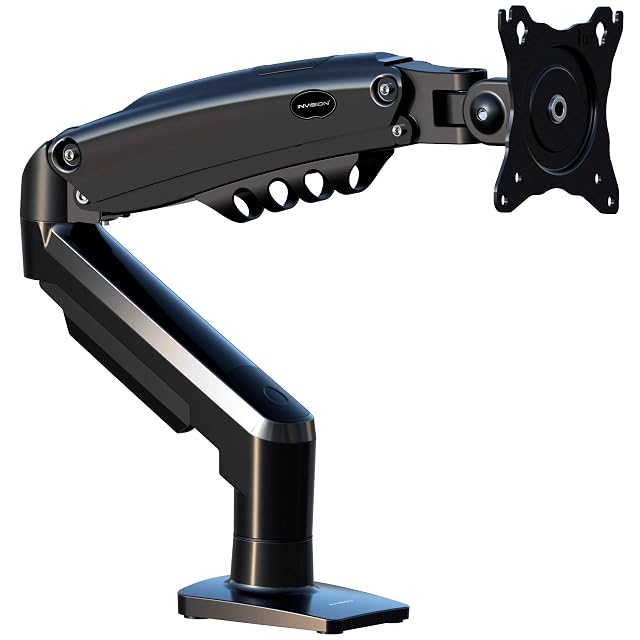
  2. Invision MX200 single monitor arm, desk clamp, 19–32 in

    19–32" · 2–9 kg (4.4–19.8 lb) · VESA 75/100 · 2-year warranty

    A single monitor arm for 19–32" screens of 2 to 9 kg (4.4 to 19.8 lb), sold mostly on climate-neutral and wellbeing claims, with a 2-year warranty and compatibility promise — and no word on its spring.

    Best for: A 19 to 32 in screen up to 9 kg (19.8 lb), for a buyer to whom the climate-neutral claim matters.

    7.0/10

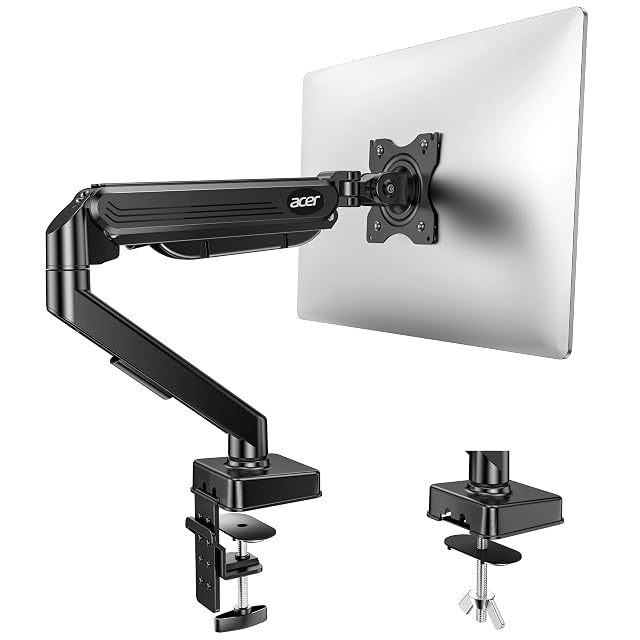
  3. Acer AMS001 gas-spring monitor arm for 17–34 in screens

    17–34" · 2–9 kg (4.4–19.8 lb) · gas spring tested to 20,000 cycles · clamp or grommet

    A gas-spring monitor arm for 17–34" screens up to 9 kg (19.8 lb), with clamp and grommet mounting, a spring tested to 20,000 cycles and the lowest published price in this category.

    Best for: A 27 to 34 in screen up to 9 kg (19.8 lb) on a budget, on a desk where a grommet hole is easier than a clamp.

    7.8/10

    ≈ $46

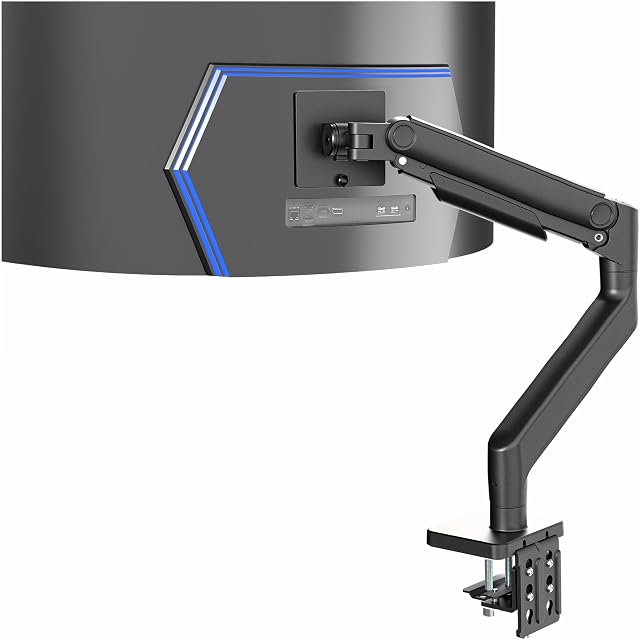
  4. Ergotron LX Pro monitor arm, Constant Force, up to 10 kg

    up to 34" · 1.8–10 kg (4–22 lb) · Constant Force motion · 10-year warranty

    A monitor arm with Constant Force motion, the highest weight ceiling in this category at 10 kg (22 lb), 33 cm (13 in) of height adjustment and a 10-year warranty — on a clamp that fits desks only up to 60 mm.

    Best for: A heavy screen up to 10 kg (22 lb), repositioned through the day, on a desk no thicker than 60 mm (2.36 in).

    8.6/10

    ≈ $199

Finding your need in monitor arms

Carrying a heavy screen without sagging

Weigh the panel without its stand and compare it with the arm's ceiling. Three arms here stop at 9 kg (19.8 lb); one goes to 10 kg.

Ergotron LX Pro

Staying at the height you set

A spring that loses force lets the screen drift down. Only two arms here publish a cycle test, and this one states no force loss after the higher count.

HUANUO FlowLift Pro

Freeing up the desk for less

A basic arm is enough to clear the surface under the screen and set the height once. This is the lowest published price in the aisle.

Acer Monitor Arm

The buyer behind each kind, in monitor arms

Small desk
A screen's original stand occupies a considerable area. An arm frees it entirely, which is often the real reason for buying.
Fine adjustment
An arm lets you set the screen at eye height and the right distance, where a stand often leaves it lower. The Acer travels 46–48 cm, the HUANUO 42 cm, the Ergotron 33 cm.
Two screens
Two independent arms are set separately; a dual mount imposes a shared geometry. The independence is often worth the space it takes.

The downsides that come with monitor arms

Weight range against holding position
A screen at the bottom of the range rises on its own, one at the top sinks. The tension setting must match the actual weight.
Clamp against grommet
The clamp fits without drilling and needs an accessible desk edge of the right thickness — up to 90 mm on the HUANUO, 80 mm on the Acer, only 60 mm on the Ergotron. The grommet mount goes through the desk, holds better and needs a hole; only the Acer includes both.
Range of movement against stability
A heavily articulated arm places the screen anywhere and transmits more vibration. A short, rigid arm moves less and moves less well.

The questions people ask about monitor arms

How do I know if my screen is compatible?

Check the VESA hole pattern at the back: all four arms here take 75 × 75 and 100 × 100 mm. VESA 75 vs 100 explains the difference; a screen without holes needs an adapter.

How heavy a screen can it hold?

The Ergotron goes to 10 kg (22 lb); the Acer, HUANUO and Invision to 9 kg (19.8 lb). What monitor size fits an arm covers size and leverage.

My screen sinks — what do I do?

Set the spring tension to the screen’s actual weight, with the adjustment screw on the arm. Setting spring tension and when an arm won’t hold position go step by step.

Will the desk take an arm?

Check the thickness first: the published clamp limits here are 60 mm (Ergotron), 80 mm (Acer) and 90 mm (HUANUO); the Invision gives none. Measuring desk thickness shows how.

Gas or mechanical spring?

The Acer uses a gas spring tested to 20,000 cycles; the HUANUO a mechanical steel spring tested to 50,000, with no gas to leak. Ergotron does not name its Constant Force spring type.

At what height should the screen sit?

The top of the panel level with the eyes or slightly below, at about an arm’s length. Is my monitor at the right height? gives the check.

Clamp or grommet?

The clamp drills nothing and needs an accessible edge; a grommet mount goes through a hole in the top. The Acer includes both; the Ergotron’s through-bolt mount is sold separately.

The arm vibrates when I type — why?

A long arm passes on the desk’s movement, more at full reach. A more rigid top, a shorter reach or a grommet mount reduces it.

Worth remembering, on monitor arms

Match the weight range to the screen and the clamp to the desk first. For the heaviest screen and the longest warranty, the Ergotron, if your desk is under 60 mm; for a thick desk and a documented spring, the HUANUO; for the lowest price, the Acer.

Monitor arms in brief

  • Maximum screen weight: 9 to 10 kg, on 4 of the 6 models.
  • Height adjustment: 33 to 48 cm, on 3 of the 6 models.
  • Maximum desk thickness: 60 to 90 mm, on 3 of the 6 models.
  • Highest figure for screen size: HUANUO HNSS48B (17–49 in (rotation up to 35 in)).

Comparison table for monitor arms

Four references in five must publish the value for the column to exist. A column full of gaps would be comparing silences.

ModelPriceScreen sizeVESA
Acer Monitor Arm$4634 in max, from 17 in75 × 75 and 100 × 100 mm
HUANUO FlowLift Pro$5032 in max, from 13 in75 × 75 and 100 × 100 mm, tool-free clip plate
VIVO STAND-V101V$80—75 × 75 and 100 × 100 mm, detachable plate
HUANUO HNSS48B$11317–49 in (rotation up to 35 in)75 × 75 and 100 × 100 mm
Ergotron LX Pro$19934 in max75 × 75 and 100 × 100 mm
Invision MX200—32 in max, from 19 in—

The guides that discuss monitor arms

What we read, and how

Specifications: manufacturer sheets for home office gear and the matching Amazon product pages. Prices and availability: Keepa. Every figure in this table names its source.

Most recent revision in this category: November 9, 2026.

The way we judge monitor arms

Prices quoted in these summaries are dated readings. The live price is shown next to each product.