Skip to content

The best ergonomic mice for 2026

Computer mouse
Photo : engin akyurt, Unsplash

Top-rated ergonomic mice on Amazon.com

The 5 highest scores among the 6 ergonomic mice we cover that have a checked Amazon.com listing — 8 are reviewed in all. Scores are out of ten and only compare models inside this category.

#ModelOur scorePriceBuy
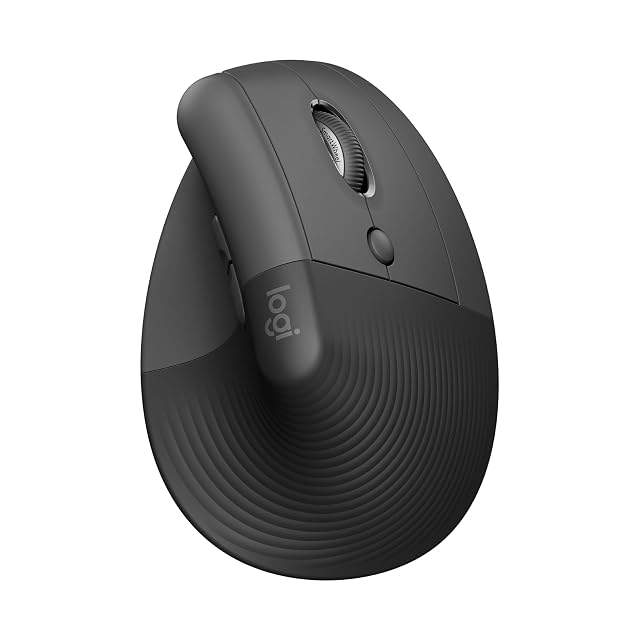
1Logitech Lift Vertical wireless ergonomic mouseBest for: A right-handed user with a small to medium hand who wants the longest battery life and a quiet, customizable mouse. 8.7/10≈ $70Check price on Amazon: Logitech Lift Vertical wireless ergonomic mouse
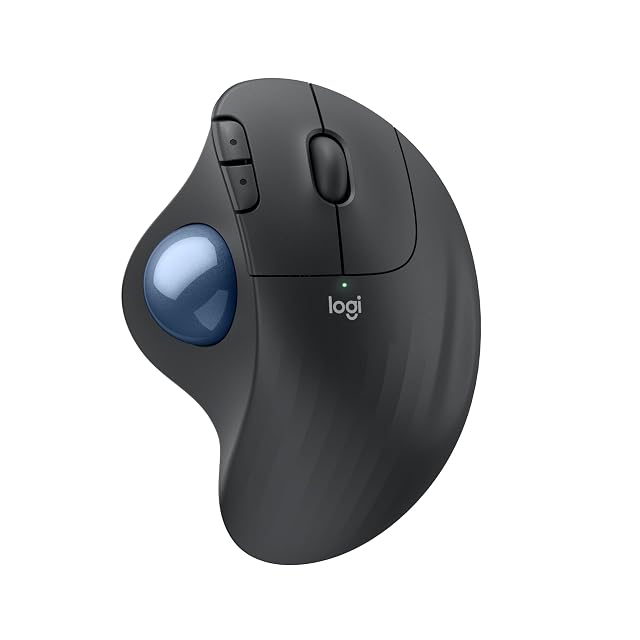
2Logitech ERGO M575S wireless trackballBest for: Tight desks and shoulder or forearm fatigue 7.5/10≈ $40Check price on Amazon: Logitech ERGO M575S wireless trackball
3Logitech Lift vertical ergonomic mouseBest for: Small to medium hands, and left-handers 7.5/10≈ $62Check price on Amazon: Logitech Lift vertical ergonomic mouse
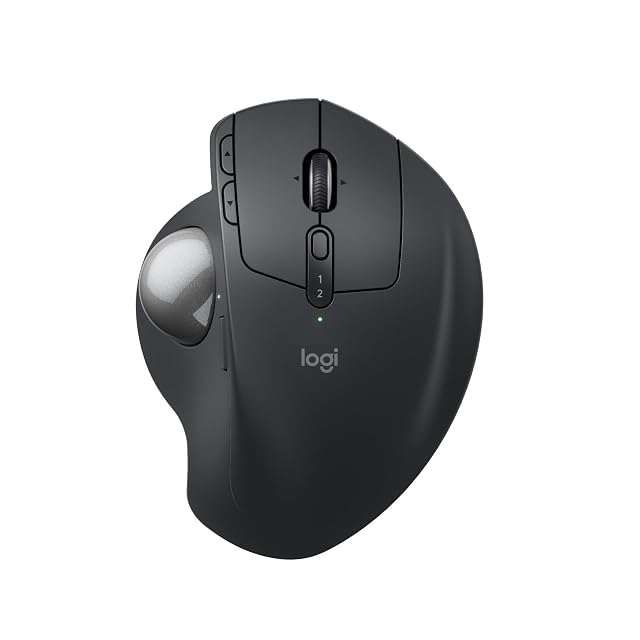
4Logitech MX Ergo S wireless trackballBest for: Medium to large hands that want a trackball for all-day work 7.5/10≈ $117Check price on Amazon: Logitech MX Ergo S wireless trackball
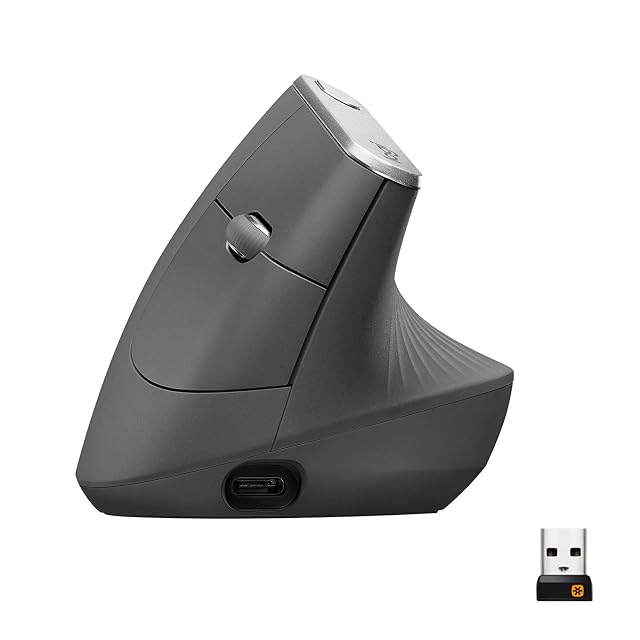
5Logitech MX Vertical wireless ergonomic mouseBest for: Medium to large right hands that work all day with a mouse and want fewer cables and batteries 7.5/10≈ $74Check price on Amazon: Logitech MX Vertical wireless ergonomic mouse

Prices are indicative and were read on Amazon.com; the button shows the current one. If we earn a commission, it does not change the order.

A standard mouse holds the forearm turned palm-down for hours; a vertical mouse angles the grip closer to a handshake. The Logitech Lift (57°) is for right-handed small-to-medium hands, with up to two years of battery. The Logitech MX Vertical (57°) is rechargeable — up to four months per charge — with a 4000 DPI sensor and a cursor speed switch. The UGREEN (57°) also reaches 4000 DPI, on both 2.4 GHz and Bluetooth. The Anker publishes its size, 115 × 58 × 87 mm, and says it does not suit small hands. The CSL is wired, on a 1.5 m (4.9 ft) cable.

The models we recommend

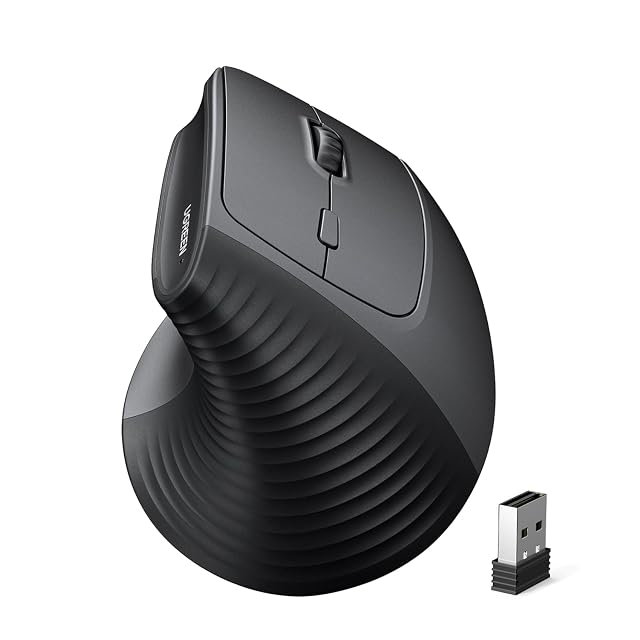
  1. UGREEN 65042 vertical mouse, Bluetooth and 2.4 GHz

    57° vertical · 1000–4000 DPI · 2.4 GHz + Bluetooth 5.4 · quiet clicks

    A wireless 57° vertical mouse with four DPI levels up to 4000 — the highest in this category — 2.4 GHz and Bluetooth 5.4, quiet clicks and about 12 months of battery in low-power mode.

    Best for: A first vertical mouse on a high-resolution screen, used with both a computer and a tablet or phone.

    7.1/10

    ≈ $22

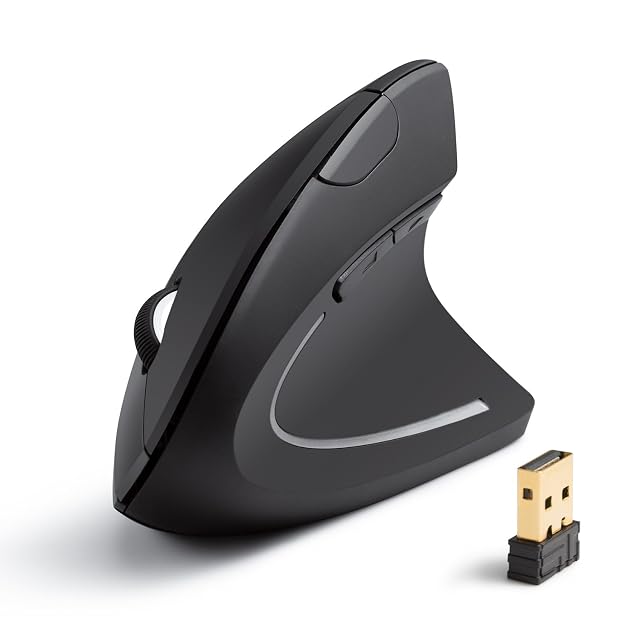
  2. Anker wireless vertical ergonomic mouse

    Wireless vertical · 800–1600 DPI · 115 × 58 × 87 mm, 90 g · not for small hands

    A wireless vertical mouse with five buttons and 800/1200/1600 DPI — the only mouse in this category that publishes its size and weight, 115 × 58 × 87 mm and 90 g, and says outright it does not suit small hands.

    Best for: A medium or large hand that wants to check the size against a measurement before buying.

    7.7/10

  3. Logitech MX Ergo S wireless trackball

    Thumb trackball · 20° tilt · 6 buttons · precision mode · USB-C, up to 120 days · medium–large hands

    Logitech’s advanced thumb trackball: a 20° tilt, six customizable buttons, a button that switches to precision tracking and USB-C charging that lasts up to 120 days, for medium to large right hands.

    Best for: Medium to large hands that want a trackball for all-day work

    7.5/10

    ≈ $117

  4. Logitech MX Vertical wireless ergonomic mouse

    57° · 4000 DPI · cursor speed switch · rechargeable, ~4 months · 1-min charge = 3 h

    Logitech's 57° vertical mouse for medium and larger right hands: a 4000 DPI sensor with a cursor speed switch, up to four months per charge and three hours from a one-minute charge.

    Best for: Medium to large right hands that work all day with a mouse and want fewer cables and batteries

    7.5/10

    ≈ $74

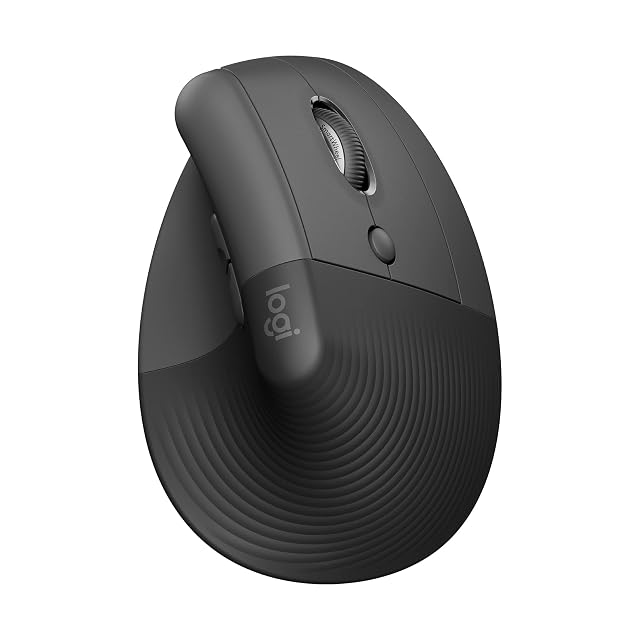
  5. Logitech Lift Vertical wireless ergonomic mouse

    57° vertical · small-to-medium right hands · Bluetooth or Logi Bolt · up to 2-year battery

    A wireless 57° vertical mouse designed to criteria set by ergonomists, for right-handed users with small to medium hands, with a SmartWheel, quiet clicks and the longest stated battery life in this category.

    Best for: A right-handed user with a small to medium hand who wants the longest battery life and a quiet, customizable mouse.

    8.7/10

    ≈ $70

Finding your need in ergonomic mice

Knowing the size before you buy

A vertical mouse that is too large forces the fingers apart. This listing publishes the mouse’s size — and states plainly that it does not suit small hands.

Anker Vertical Mouse

Changing batteries as rarely as possible

Of the battery lives stated here, this is the longest.

Logitech Lift Vertical

Precision on a large screen

A higher DPI setting shortens the hand movement needed to cross a large or high-resolution screen, and so the demand on the shoulder.

UGREEN Vertical Mouse

No batteries at all

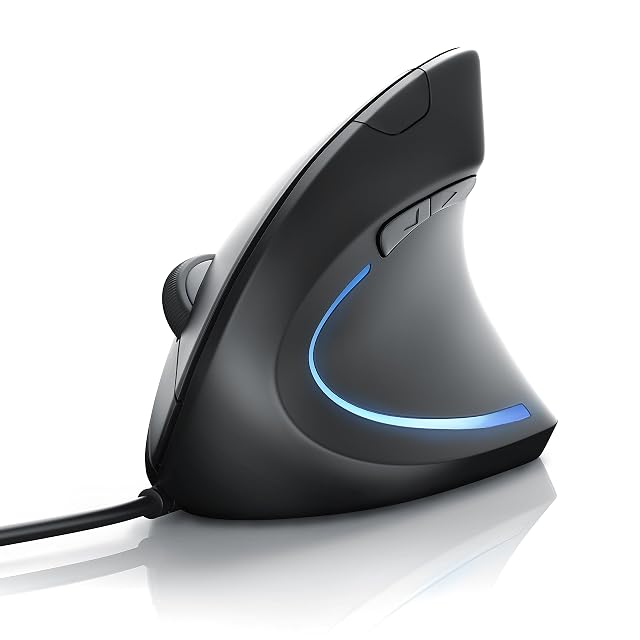
A wired mouse never runs flat. This one is wired.

CSL-Computer TM137G

The buyer behind each kind, in ergonomic mice

Small to medium hand
The Logitech Lift is sold for it, right-handed only. The Anker says it does not suit small hands.
Large screen or two
The UGREEN and the Logitech MX Vertical go to 4000 DPI, so a smaller hand movement crosses a wide or high-resolution screen. The Anker and CSL stop at 1600.
No batteries
The CSL is wired over 1.5 m (4.9 ft) of USB, with a physical DPI switch. The wireless ones need batteries — up to two years on the Logitech Lift, by its own figure — or, like the MX Vertical, recharging: up to four months per charge.

The downsides that come with ergonomic mice

Vertical grip against precision
The vertical position turns the forearm toward neutral and costs some fine precision at first. Drawing and photo editing feel it most while you adapt.
Wired against wireless
The CSL never runs flat and needs a cable to the computer; the wireless mice clear the desk and need batteries or, for the MX Vertical, recharging.
High resolution against control
Higher DPI shortens the hand movement across a large screen. Too high, pointing gets twitchy — the UGREEN’s four steps let you pick.

The questions people ask about ergonomic mice

Is a vertical mouse more comfortable?

It places the forearm in a more neutral rotation, which many users find more comfortable. Fine precision usually takes some time to come back.

Which mouse suits a small hand?

Logitech states the Lift Vertical is for right-handed users with small to medium hands; Anker states its vertical mouse is not suited to small hands. The UGREEN and CSL listings give no hand-size guidance.

Which mouse has the highest DPI?

The UGREEN, with four levels up to 4000, and the Logitech MX Vertical, also 4000 with a cursor speed switch. The Anker and CSL top out at 1600; Logitech gives no figure for the Lift.

Which battery lasts longest?

Logitech states up to 24 months for the Lift, UGREEN about 12 months in low-power mode. The rechargeable MX Vertical runs up to four months per charge. The Anker gives none; the CSL is wired and needs none.

Where should the mouse go?

At the same height as the keyboard and as close to the body as you can. A mouse far to the side keeps the shoulder working.

Do vertical mice suit left-handers?

The shape is asymmetric, so a right-handed mouse turned round does not work. The Logitech Lift listed here is right-handed; check for a left-handed version before ordering.

Which of these can I buy on Amazon.com?

The UGREEN and both Logitech mice — the Lift and the MX Vertical — have US prices read; each card shows the latest one. The Anker and CSL listings were not on Amazon.com, so their buttons open a search.

Does a mouse settle wrist pain?

Persistent pain is a matter for a health professional. Equipment changes the working conditions; it treats nothing.

Worth remembering, on ergonomic mice

Match the mouse to your hand first: the Logitech Lift for small to medium, the Anker for medium to large. Then choose the trade-off — the UGREEN for DPI and price, the MX Vertical for a rechargeable battery, the CSL to never change one.

Ergonomic mice in brief

  • Battery life: 4 to 24 months, on 3 of the 8 models.
  • Claim: 10 to 27 %, on 3 of the 8 models.

Comparison table for ergonomic mice

Four references in five must publish the value for the column to exist. A column full of gaps would be comparing silences.

ModelPriceConnectionButtons
UGREEN Vertical Mouse$222.4 GHz or Bluetooth 5.4Forward/back side buttons, quiet clicks
Logitech ERGO M575S (910-007027)$40Bluetooth or Logi Bolt3 customizable, quiet clicks
Logitech Lift (910-006466)$62Bluetooth LE or Logi Bolt; 3 devices4 customizable, quiet clicks, SmartWheel
Logitech Lift Vertical$70Bluetooth Low Energy or Logi Bolt USB receiverCustomizable buttons, SmartWheel, quiet clicks
Logitech MX Vertical (910-005447)$74Wireless: Bluetooth Low Energy or the supplied USB receiver, up to 10 m (33 ft)—
Logitech MX Ergo S (910-007259)$117Bluetooth or Logi Bolt, Easy-Switch 2 devices6 customizable, precision button, 80% quieter clicks
Anker Vertical Mouse—Wireless 2.4 GHz nano receiver, up to 10 m (33 ft)5, with forward/back
CSL-Computer TM137G—Wired USB 2.0, 1.5 m (4.9 ft) cable5, with forward/back

What a budget gets you on this shelf

The guides that discuss ergonomic mice

What we read, and how

Specifications: manufacturer sheets for home office gear and the matching Amazon product pages. Prices and availability: Keepa. Every figure in this table names its source.

Most recent revision in this category: November 13, 2026.

The way we judge ergonomic mice

Prices quoted in these summaries are dated readings. The live price is shown next to each product.