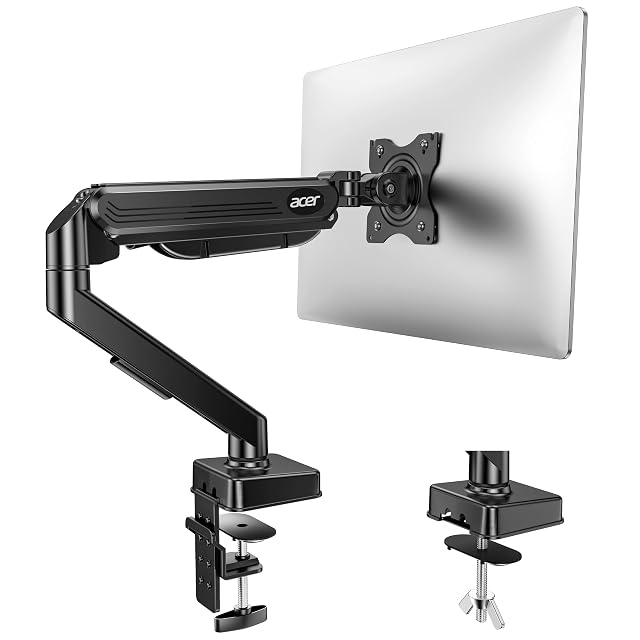
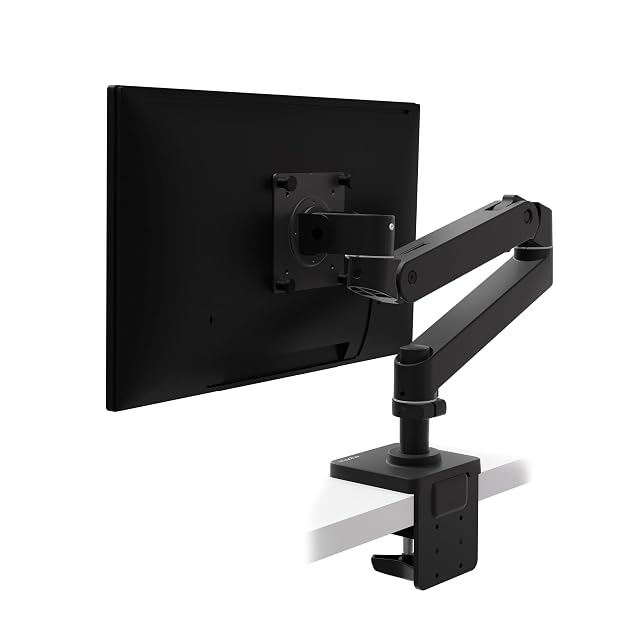
Weigh the screen against the arm’s range. This is the most important figure. Find the monitor’s weight without its stand and pick an arm whose range takes it comfortably — ideally in the middle rather than at the top, so the spring has adjustment left either way. In the monitor arms hub, the Acer and the HUANUO state 2 to 9 kg (4.4 to 19.8 lb) and the Ergotron 1.8 to 10 kg (4 to 22 lb).
Check the screen size limit. Arms state a size range as well as a weight — 17 to 34 in on the Acer, 13 to 32 in on the HUANUO, up to 34 in on the Ergotron. A large or curved screen within the weight limit can still be too wide for the arm’s geometry.
Check the VESA pattern. Most monitors use 75 × 75 or 100 × 100 mm, printed on the spec sheet or visible as four holes on the back. A screen with no VESA mount needs an adapter, and one with a larger 200 mm pattern needs an adapter plate — none of the arm listings here mentions one.
Measure the desk where the arm will fix. Clamp and grommet each have a stated thickness range — 15 to 90 mm on the HUANUO, for instance. Measure the edge, and look underneath for a frame rail or drawer that would block the clamp; if the edge will not do, a grommet through a cable hole may.
Confirm the reach and height for your desk. An arm with enough capacity but too little reach will not bring the screen where you need it on a deep desk; too little height will not lift it to eye level when you stand. The arm listings give both, and they are worth checking against the distance from the desk edge to where you sit.
Once it arrives, mounting a monitor arm correctly covers the installation; for two screens, the dual monitor mounts hub compares double arms.
What buyers ask us first
What if I don't know my monitor's exact weight?
Look up the model number on the maker's specification page; most publish the weight with and without the stand. Use the figure without the stand — that is what the arm carries.
Is VESA compatibility something I need to check separately?
Yes. Most monitors use a 75 × 75 or 100 × 100 mm pattern, which the Acer, Ergotron and InVision arms in this site's monitor arm hub state, but some screens have no VESA holes at all and some large ones use 200 mm. Check the back of the monitor or its spec sheet.
Does a more expensive arm hold more?
Not much in this hub. The Acer and the HUANUO, about $46 and $50 on Amazon.com, both state 2 to 9 kg; the Ergotron, about $199, states 1.8 to 10 kg. The difference is in the mechanism, the reach and the warranty — 10 years on the Ergotron — rather than in the load.
Gas spring or mechanical spring?
Both balance the screen. The Acer states a gas spring tested to 20,000 cycles; the HUANUO a mechanical steel spring; the Ergotron its own Constant Force mechanism. What matters more is that your screen sits mid-range on whichever you choose.
Last reviewed 13 October 2026