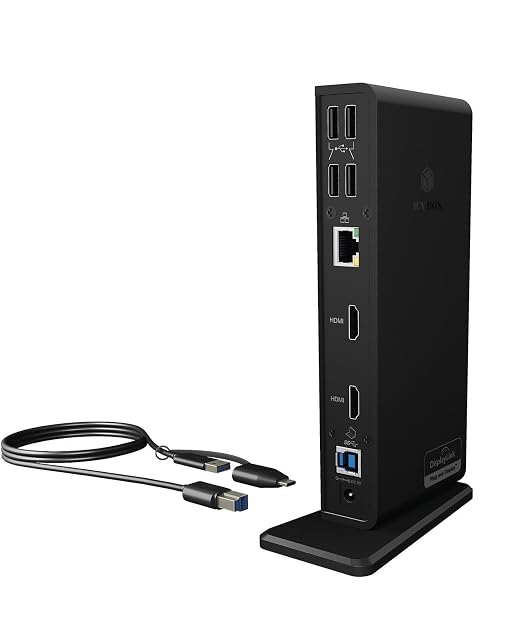
An 11-in-1 DisplayLink dock with two 2K 60 Hz HDMI outputs, six USB 3.0 ports, Gigabit Ethernet and audio, on one USB-C/USB-A cable — with no laptop charging mentioned.
This is a genuine docking station rather than a simple USB hub, built around DisplayLink video compression technology to drive two additional external monitors — each at 2K resolution and 60Hz — from a single laptop connection, which a basic hub without video output capability cannot do.
ICY BOX includes a combined USB Type-C/Type-A cable, so the dock works whichever connector type the laptop uses, and the unit’s design allows either vertical or horizontal placement depending on desk layout and available space. Both Windows and macOS are supported. Beyond the screens, the title lists six USB 3.0 ports, Gigabit Ethernet and audio. With the two HDMI outputs that makes ten named connections against the “11-in-1” of the title; the eleventh is not identified. What it does not mention anywhere is charging the laptop, so the laptop’s own charger stays plugged in.
The one genuine catch, and ICY BOX is upfront about it: the DisplayLink driver must be installed before connecting the dock for the first time, which is an extra setup step compared to a plug-and-play hub. Skipping this step, or connecting before installation, is explicitly flagged as something to avoid. ICY BOX calls it the best value for money, a claim with nothing to measure it against. It is not listed on Amazon.com; it reads about €77 on amazon.de and €100 to €130 on the other European stores.
What holds up, and what does not
Best for: Driving two additional external monitors from a laptop that doesn't natively support that many displays.
Strengths
Dual HDMI outputs at 2K@60Hz — enough to drive two additional external monitors from one dock
Combined USB Type-C/Type-A cable works with either connector type on a laptop
Flexible vertical or horizontal placement to suit different desk layouts
Compatible with both Windows and macOS
Six USB 3.0 ports, Gigabit Ethernet and audio alongside the two HDMI outputs
Compromises
Requires installing the DisplayLink driver before use — not a plug-and-play device out of the box
The listing never mentions charging the laptop, so plan on keeping its own charger
Not listed on Amazon.com; about €77 on amazon.de, up to €130 elsewhere in Europe
Prices quoted in this text were read on October 13, 2026. The live price is at the top of the page.
What buyers ask us first
Do I need to install anything before using this dock?
Yes — ICY BOX is explicit that the DisplayLink driver must be installed before use, and the drive/software should be installed before connecting the dock to the computer for the first time. This is a genuine extra setup step compared to a simple plug-and-play USB hub.
Will it work with an M1 or M2 MacBook?
The German listing title names M1 and M2 MacBook Air and Pro. Macs with the base M1 or M2 chip drive only one external display natively; DisplayLink is the usual way round that, which is why the dock targets them. The DisplayLink driver has to be installed first, as for Windows.
How many extra monitors can this drive?
The docking station provides two HDMI outputs at 2K resolution and 60Hz, letting it drive two additional external monitors beyond the laptop's own screen — useful for a genuine multi-monitor setup from a single laptop connection.
Today’s price and availability, for USB hubs & docking
A reference exists on these Amazon stores: France, Germany, Italy, Spain, United Kingdom, United States. Listed is not the same as in stock — availability changes daily.
Details checked on October 13, 2026.
This one and its buyer, among USB hubs & docking
Driving two additional external monitors from a laptop that doesn't natively support that many displays.
Sources
Specifications: the manufacturer sheet for USB hubs & docking and the matching Amazon product page. Prices and availability: Keepa. Every figure on this page names its source.
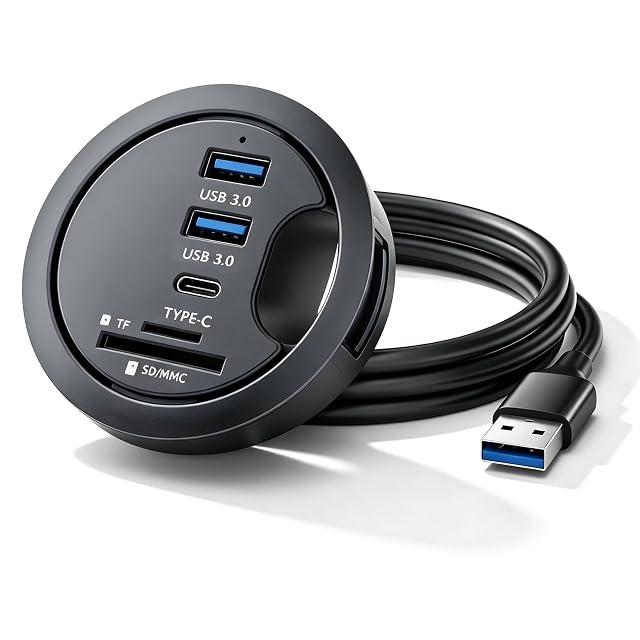
A USB hub that mounts directly into a standard 60mm (2.36 in) desk grommet hole, providing 2 USB 3.0 ports, a USB-C port, and SD/TF card readers flush with the desktop.
Amazon reference
B0GZP29X5S (identical on 6 markets)
EAN
0725380519378
Type
In-desk USB hub, 5-in-1
Video outputs
None
USB ports
2 × USB 3.0, 1 × USB-C
Card readers
SD and TF
Fits grommet hole
60 mm (2.36 in)
Host connection
Cable to the computer; type not published
Laptop charging
Not published
Installation
Into an existing 60 mm hole, no tools; stated to fit 90% of desks with a standard hole
Systems
macOS, Windows, Linux
Mounts flush into the desk's existing 60mm (2.36 in) grommet hole rather than sitting on top of the desk
2 USB 3.0 ports, 1 USB-C port, plus SD and TF card readers in one unit
Requires an existing grommet hole of the right size — not usable on a desk without one
Best for: A desk that already has a standard 60mm (2.36 in) cable grommet hole and no permanent hub installed in it.
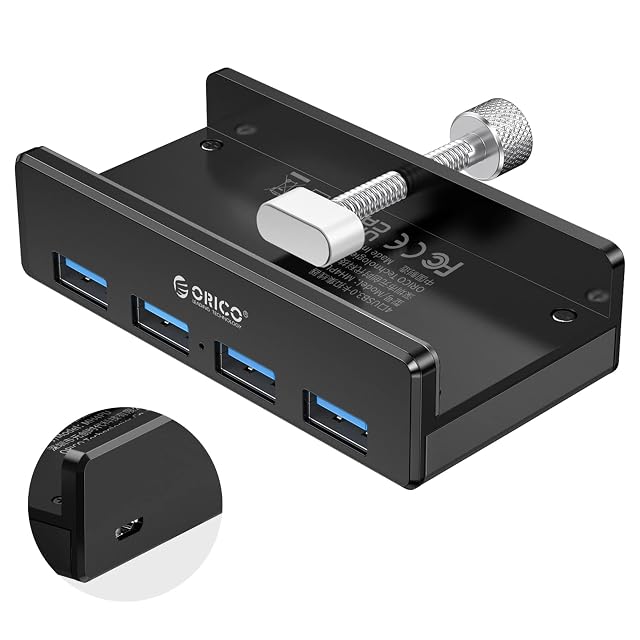
A four-port USB 3.0 hub in aluminium that screws onto a desk or monitor edge from 10 to 32 mm thick, with an extra power input for hungry devices — adapter sold separately.
Amazon reference
B09289CSMN
Clamps to a desk or monitor edge from 10 to 32 mm (0.39 to 1.26 in), with a rubber-covered screw
Four USB 3.0 ports at 5 Gbps
The power adapter for that extra input is not included
Best for: A desk without a grommet hole, where the ports should sit at the front edge.
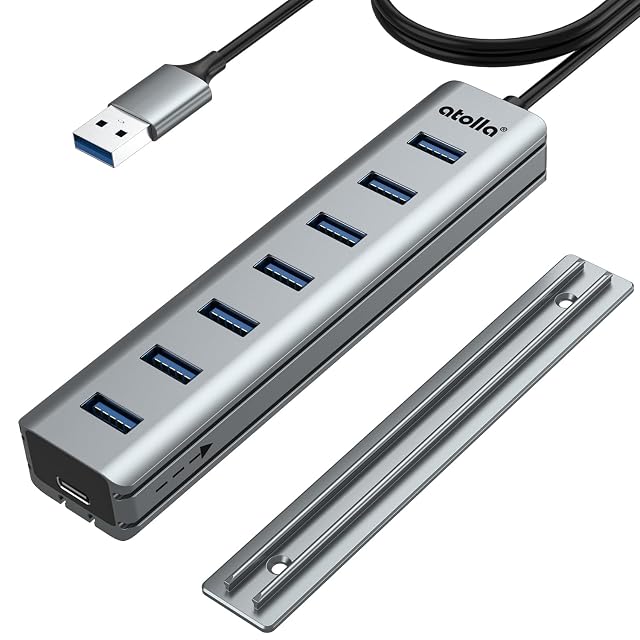
A seven-port USB 3.0 hub that mounts under the desk on removable sliding rails, with a 5V/3A USB-C power input for external drives — the most ports of any hub on this shelf.
Amazon reference
B0DZCFQ3FH
Seven USB 3.0 ports, the most of any hub on this shelf
Removable sliding rails for under a desk, a monitor stand or a wall, with mounting hardware included
The power adapter is not included
Best for: A desk where several peripherals plug in permanently and the hub should stay out of sight.
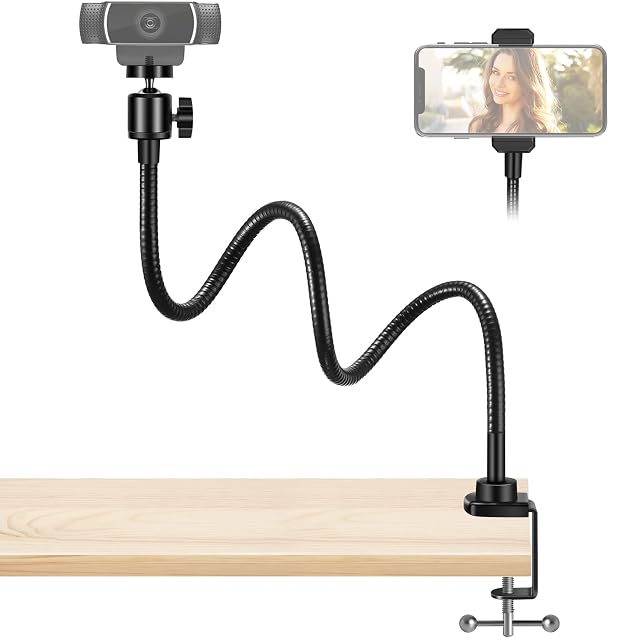
A 25 in gooseneck with a published 1.0 lb limit and a compatibility list that names its exclusions — the Logitech C270 and C310, which have no tripod thread.
Amazon reference
B08M5ZGL9R
EAN
0810015622049
Type
Clamp-on gooseneck arm
Manufacturer reference
WS089
Base
Clamp, opens to 1.8 in (4.6 cm)
Reach or height
25 in (63 cm) including the ball head
Max load
1.0 lb (0.45 kg)
Thread
1/4 in
Head
360° ball head; phone holder to 4 in wide
Publishes a maximum load, 1.0 lb, and the gooseneck length including the ball head, 25 in
Names the webcams it will not fit — the Logitech C270 and C310 — rather than claiming universal fit
The clamp opens to only 1.8 in, the narrowest in this category, which rules out a thick desktop
Best for: A webcam on a thin desktop, where the arm has to be short enough to stay still.
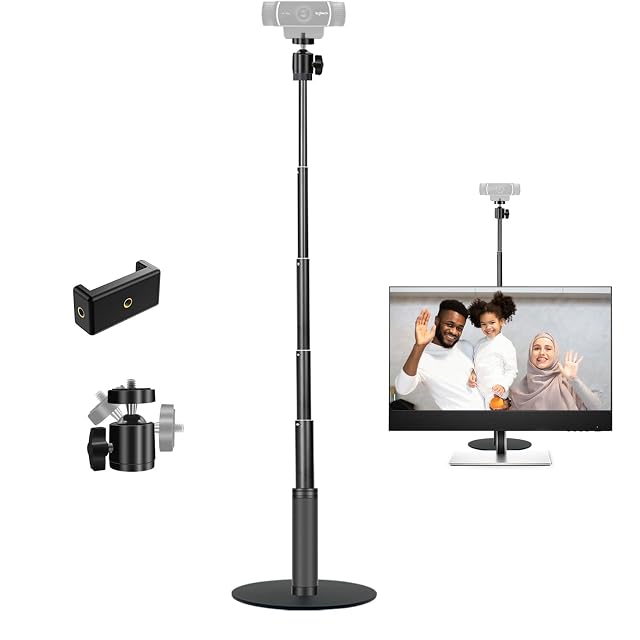
A telescopic aluminum pole on a weighted metal base with the highest published load capacity on this shelf, 1.76 lb — and a pole that detaches to be used in the hand.
Amazon reference
B0DF7GSPF2
EAN
0744252575359
Type
Desk stand, telescopic aluminum pole
Manufacturer reference
CM0824082603
Base
Weighted metal
Reach or height
28 in (71 cm)
Max load
1.76 lb (0.8 kg)
Thread
1/4 in
Head
360° rotation, 90° tilt; phone holder for 4–6.5 in phones
The highest published load in this category at 1.76 lb, 0.8 kg
Publishes its height — 28 in — and reaches it on a rigid pole rather than a gooseneck
A rigid pole cannot be bent around a monitor the way a gooseneck can
Best for: A webcam that has to reach the middle of a large monitor from a desk with no free edge.