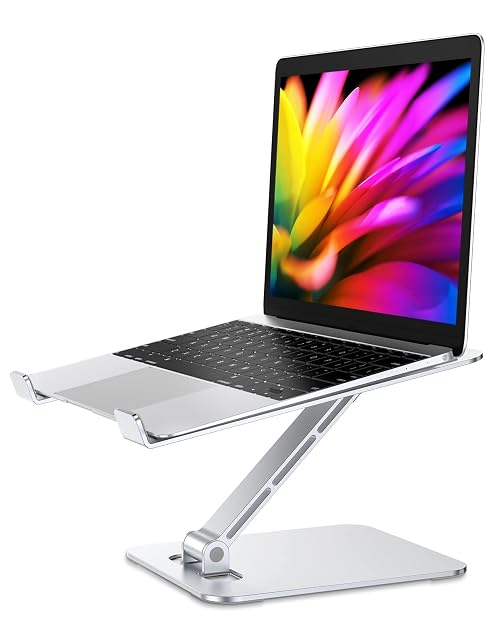
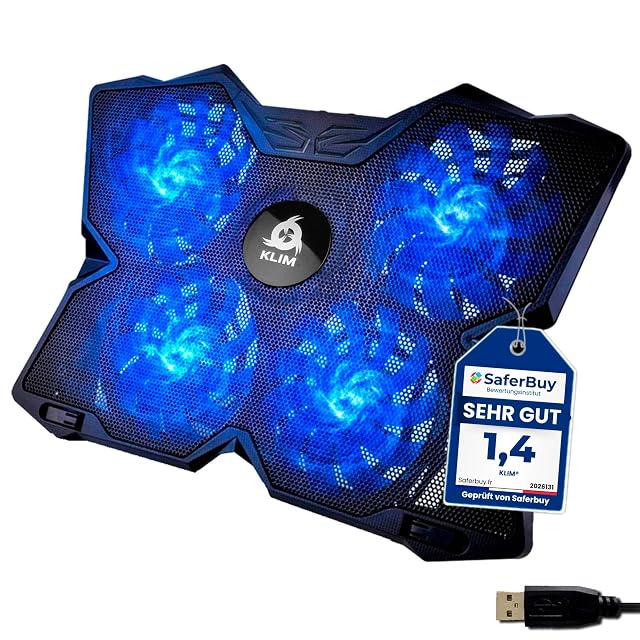
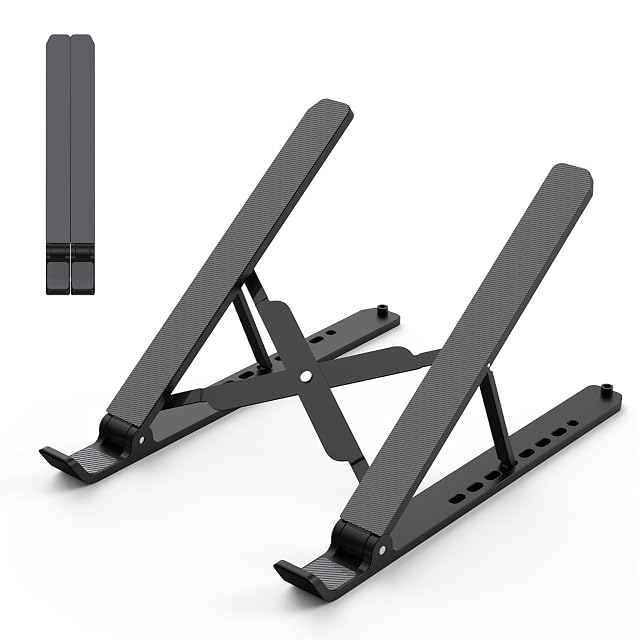
The bottom line The most functionally equipped stand in this hub for anyone whose laptop genuinely runs hot — six adjustable fans and a real height range, at a mid-range price.
Where the two stands below it in this hub’s price ladder rely on passive airflow, this pad adds six fans that can run together or as two independent sets of three, with adjustable speed — genuine active cooling rather than an improved angle alone.
The seven-level height adjustment is a meaningful addition on a cooling pad specifically, since most fan-equipped pads in this category fix the laptop at a single low angle; here, height and cooling are not a trade-off against each other. A side-mounted phone holder and two USB ports (one for power, one as a pass-through for peripherals) round out the practical features.
LIANGSTAR states compatibility with laptops from 12 to 17.3 inches and backs the pad with a 12-month warranty. For anyone running consistently demanding workloads — video editing, compiling, sustained gaming — the active cooling here does a job passive stands cannot.
What we like, and what we don't
Strengths
Six fans, adjustable in speed and able to run as a group or in a set of three independently
Seven height levels, unusual for a cooling pad rather than a passive stand
Built-in phone holder on the side
Two USB ports — one powers the pad, the second passes through for a mouse or keyboard
Large metal grille and non-slip barrier keep the laptop in place
Compromises
Active cooling draws power from a USB port, adding one more cable to manage
Fan noise, while stated as quiet, is not silent under heavier loads
Specifications
Amazon reference
B0B11JVWNH (identical on 6 markets)
EAN
0605128920133
Questions people actually ask
How is a cooling pad with fans different from a passive stand?
A passive stand improves airflow purely through its angle and open design; this pad adds six powered fans that actively move air across the laptop's underside, which matters more for a laptop running hot under sustained load than for general browsing and typing.
Does the second USB port reduce the number of ports available on my laptop?
No — one USB port powers the cooling pad itself, and the second is a pass-through port that lets a mouse or keyboard connect through the pad rather than taking up an additional port on the laptop.
Our score
8.0/ 10
The most functionally equipped stand in this hub for anyone whose laptop genuinely runs hot — six adjustable fans and a real height range, at a mid-range price.
Who this one is for
Anyone running a laptop under sustained heavy load (video editing, gaming, compiling) who wants genuine active cooling rather than passive airflow alone.
Compared with its closest rivals
Same category, nearest prices. Only the specifications every one of them states are shown — a half-empty column compares nothing.
Highest Amazon reference in the table: Babacom Aluminium Stand (B096KHQWMF (identical on 5 markets)).
If this one is not the right fit
On a tighter budget: Tonmom Foldable Stand, at 8 £ in the same category. see the review
If you need more Amazon reference: Babacom Aluminium Stand states B096KHQWMF (identical on 5 markets). see the review
Value for money
At 20 £, it sits 0 % against the 20 £ median of the 4 models in this category published here.
Guides that feature it
Best Laptop Stands & Cooling Pads 2026 | DeskVerdict
Price and availability
A reference exists on these Amazon stores: France, Germany, Italy, Spain, United Kingdom, United States. Listed is not the same as in stock — availability changes daily.
Details checked on August 29, 2026.
Sources
Specifications: manufacturer sheet and Amazon product page. Prices and availability: Keepa. No product on this site has been physically tested.