The bottom line A well-rounded budget lamp whose built-in USB port is a genuinely useful addition over a plainer lamp at a similar price — a sensible choice for anyone who wants to reduce desk cable clutter.
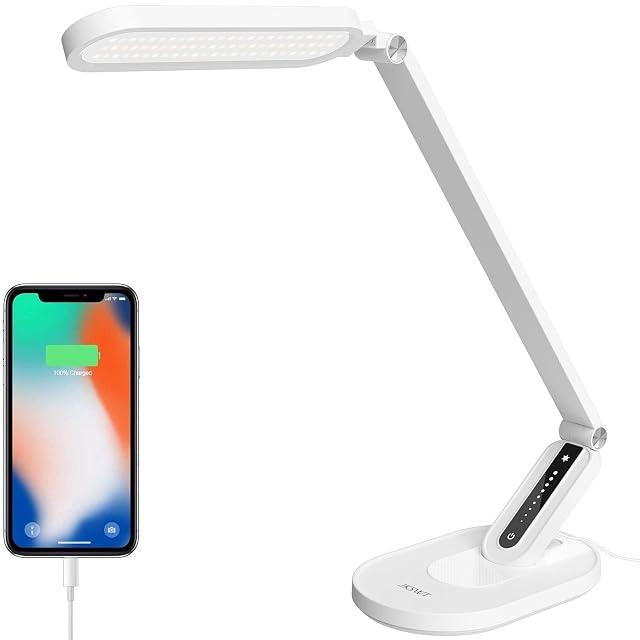
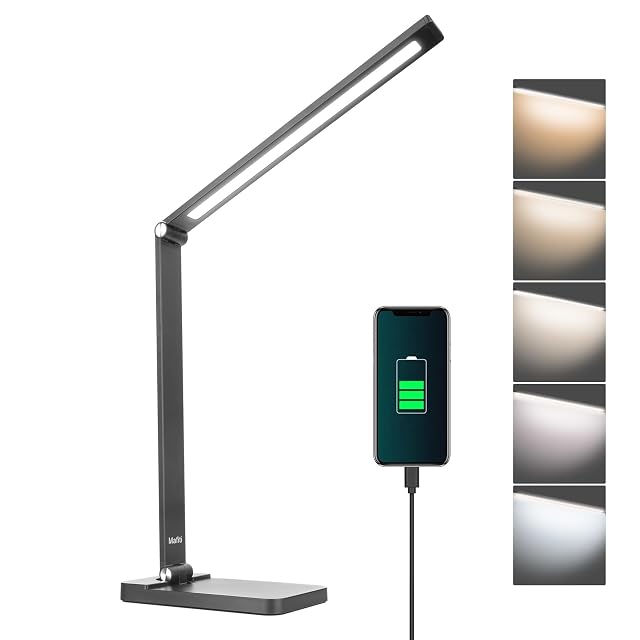
Beyond its 25 possible combinations of colour mode and brightness, this lamp’s standout feature is a built-in USB charging port — a detail that lets a phone or tablet charge directly from the lamp rather than needing its own separate charger and cable running across the desk.
Jumoking states the light is flicker-free and glare-free, aimed at reducing eye strain over longer sessions, and touch controls let brightness and colour temperature be adjusted with a light tap rather than a mechanical switch. The company markets the lamp broadly across office, bedroom and general home use.
For anyone specifically trying to reduce the number of cables and chargers cluttering a desk, the integrated USB port is a genuine practical advantage over lamps in this hub that skip that feature — worth weighing against the touch-only control scheme, which some users prefer less than physical buttons.
What we like, and what we don't
Strengths
25 lighting combinations across 5 colour modes and 5 brightness levels
Built-in USB port charges a phone or tablet directly, reducing desk cable clutter
Touch control panel for quick brightness and colour temperature adjustment
Stated flicker-free, glare-free light
Compromises
Touch controls can be less precise than physical buttons for some users
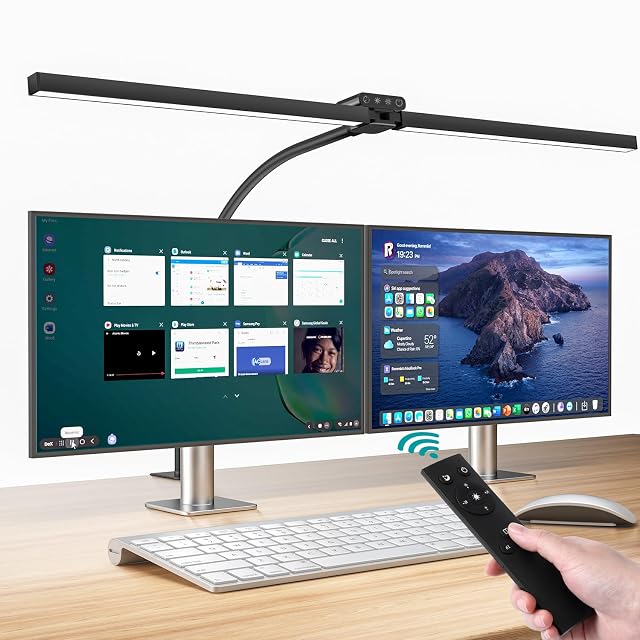
No remote control included
Specifications
Amazon reference
B0DF7P84YT (identical on 2 markets)
EAN
0717352623763
Questions people actually ask
What does the USB port on this lamp actually charge?
Jumoking states the built-in USB port can charge phones and tablets directly, letting the lamp double as a charging point rather than needing a separate wall charger and cable for a nearby device.
How does touch control compare to physical buttons?
Touch control lets adjustments happen with a light tap rather than pressing a physical switch, which some users find quicker and more modern-feeling, though it offers less tactile feedback than a mechanical button or dial.
Our score
7.1/ 10
A well-rounded budget lamp whose built-in USB port is a genuinely useful addition over a plainer lamp at a similar price — a sensible choice for anyone who wants to reduce desk cable clutter.
Who this one is for
Someone who wants one fewer cable on the desk by charging a phone directly from the lamp.
Guides that feature it
Best Desk Lamps & Task Lighting 2026 | DeskVerdict
Price and availability
A reference exists on these Amazon stores: Germany, United Kingdom. Listed is not the same as in stock — availability changes daily.
Details checked on August 29, 2026.
Sources
Specifications: manufacturer sheet and Amazon product page. Prices and availability: Keepa. No product on this site has been physically tested.
80cm dual-head · 1200 lumens · remote + touch control
A top-tier 24W dual-head desk lamp extending to 80cm, producing 1200 lumens, with both wireless remote and touch control plus timer and memory functions.
Best for: A large desk or a workspace shared by two people, where a single lamp head does not provide even coverage.